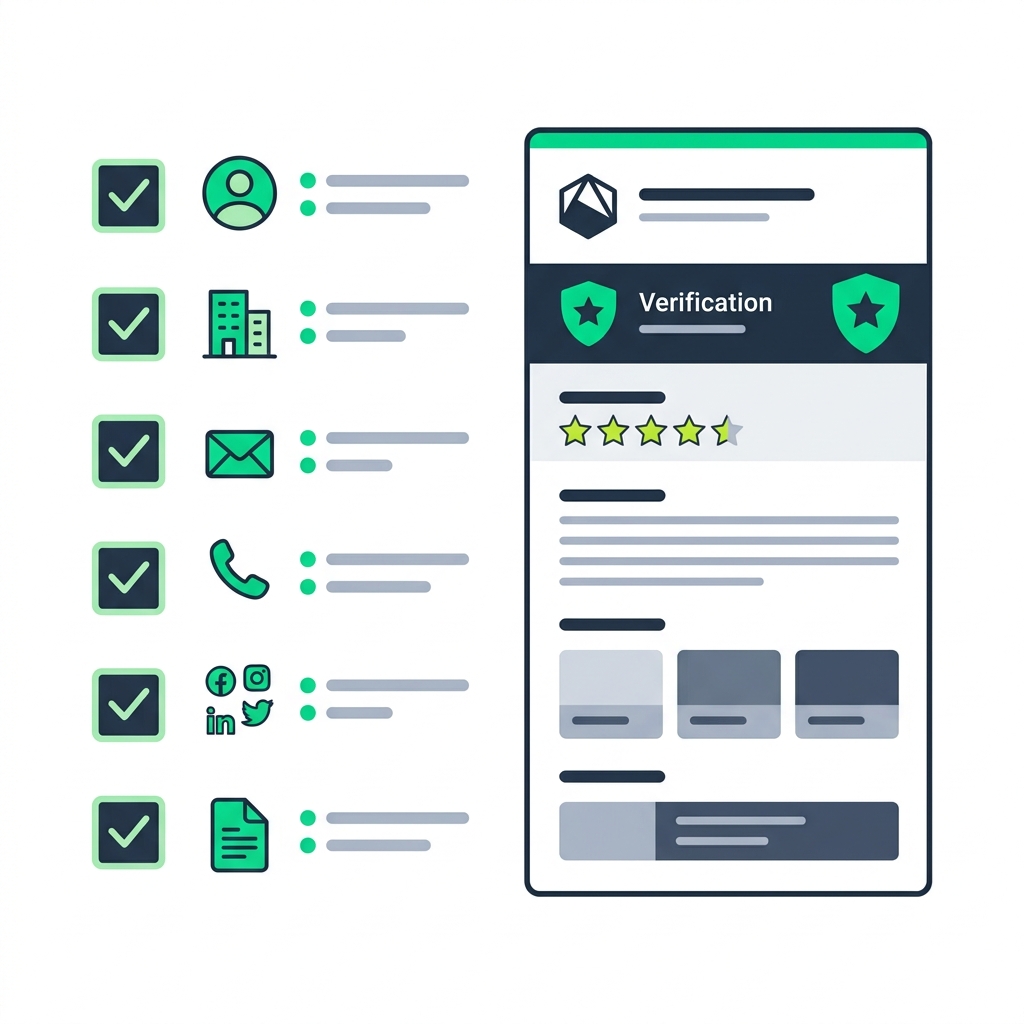
Creating an account on a business directory is only the first step. The difference between a profile that generates consistent leads and one that sits dormant comes down to optimization and completeness.
An incomplete or unprofessional profile can actually harm your brand by signaling to potential customers that you are inactive or lack attention to detail. In this guide, we will break down the anatomy of a perfect business profile and show you how to optimize it for maximum conversions.
The Anatomy of a Perfect Profile
A high-converting business profile leaves no question unanswered. When a potential customer views your listing, they should immediately understand who you are, what you offer, where you are located, and how to contact you.
1. Consistent Branding (Name & Logo)
Your business name must be listed exactly as it appears in the real world. Do not add extra keywords to your name (e.g., "Bob's Plumbing - Best Plumber in Delhi"). This violates directory guidelines and harms your SEO. Always upload a high-resolution version of your official logo.
2. A Compelling Description
Your description is your elevator pitch. Avoid generic corporate jargon. Instead, clearly state:
- What specific services or products you offer.
- How long you have been in business.
- What makes you unique (e.g., "Family-owned," "24/7 emergency service," "Award-winning").
- Who your ideal customer is.
3. Impeccable NAP Consistency
NAP stands for Name, Address, and Phone number. This data must be identical across every single platform on the internet. If your address is "123 Main Street" on your website, it should not be "123 Main St." on your directory profile. Search engines are very sensitive to these discrepancies.
4. Granular Categorization
Don't just pick the broadest category available. If you are a specialized commercial electrician, don't just list yourself under "Contractors." Dig deep into the Categories available on the platform and select the most specific ones that apply to your business. This ensures you appear in highly targeted searches.
The Power of Visuals
Humans are visual creatures. A profile with only text is easily ignored. High-quality imagery is one of the strongest conversion drivers available.
Upload photos that show:
- The exterior of your building (helps customers find you).
- The interior of your store or office (builds trust).
- Your team at work (humanizes your brand).
- High-quality shots of your best products or completed projects.
Managing Reviews and Reputation
Your profile is not a static brochure; it is a living representation of your reputation. Reviews are the social proof that convinces a hesitant customer to choose you over a competitor.
- Ask for Reviews: Actively encourage your satisfied customers to leave a review on your profile.
- Respond to Everything: Reply to every review, both positive and negative. Thank happy customers, and address complaints professionally without getting defensive. A well-handled negative review can actually build more trust than a perfect 5-star rating.
ZPage Specific Tips for Maximum Impact
If you are optimizing your profile on ZPage, utilize these platform-specific features to stand out:
- Verify Your Business: Complete the verification process to earn the ZPage Verified Badge. This is the fastest way to establish credibility on the platform.
- Enable WhatsApp Integration: Make sure your WhatsApp number is connected. Many customers prefer messaging over calling, and this feature drastically reduces the friction of reaching out.
- Keep Hours Updated: Use the dashboard to update your operating hours, especially around holidays.
Frequently Asked Questions
Why is my profile not showing up in search results?
If your profile is new, it may take some time for search engines to index it. Ensure your profile is 100% complete, your categories are accurate, and your business description includes relevant keywords.
How often should I update my profile?
You should review your profile at least once a quarter. However, you must update it immediately if you change your phone number, move locations, or alter your operating hours.
Can I delete negative reviews?
Most reputable directories do not allow directories to delete negative reviews, as this defeats the purpose of an authentic review system. Instead, focus on responding professionally and diluting the negative review by generating more positive ones.
Conclusion
A professional business profile is a powerful asset that works for you 24/7. By taking the time to fully optimize your information, maintain perfect consistency, and actively manage your reputation, you transform a simple listing into a lead-generation engine.
Ready to optimize your presence? Claim or create your profile on ZPage today.